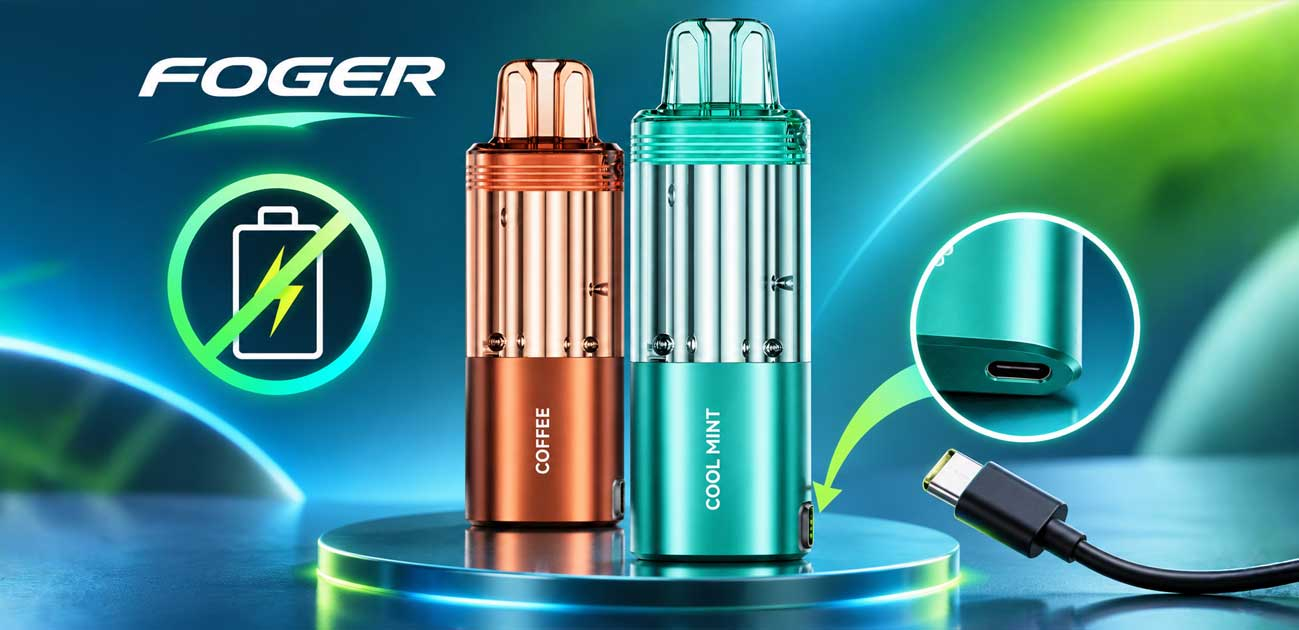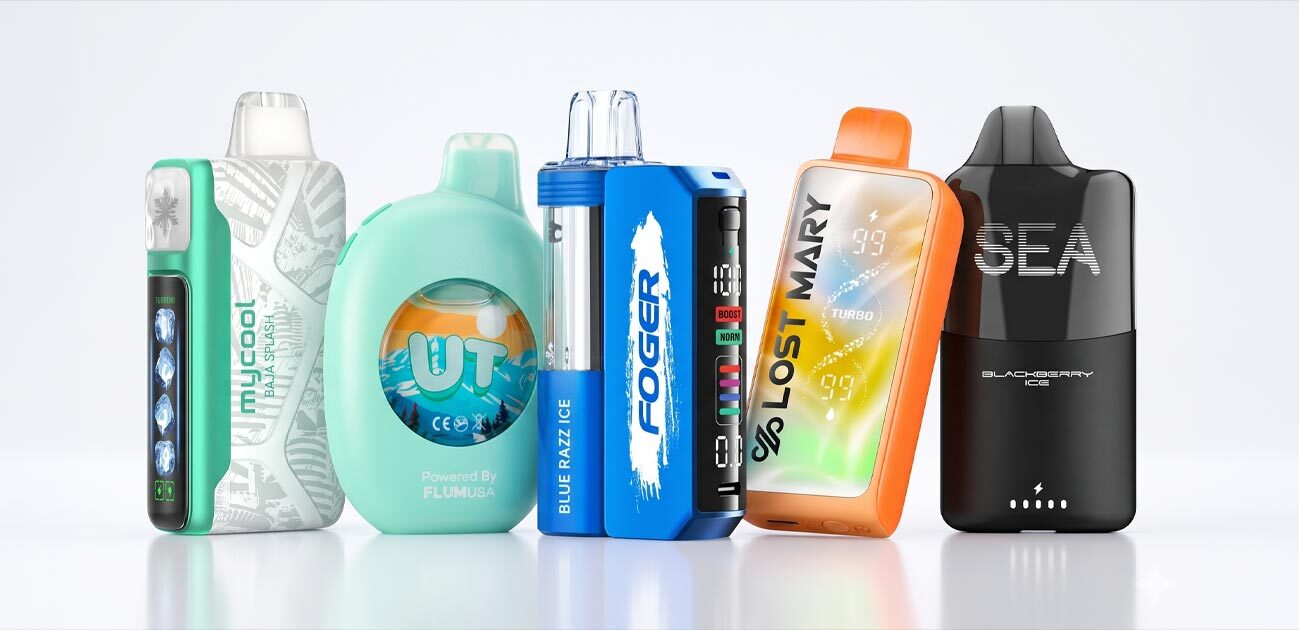
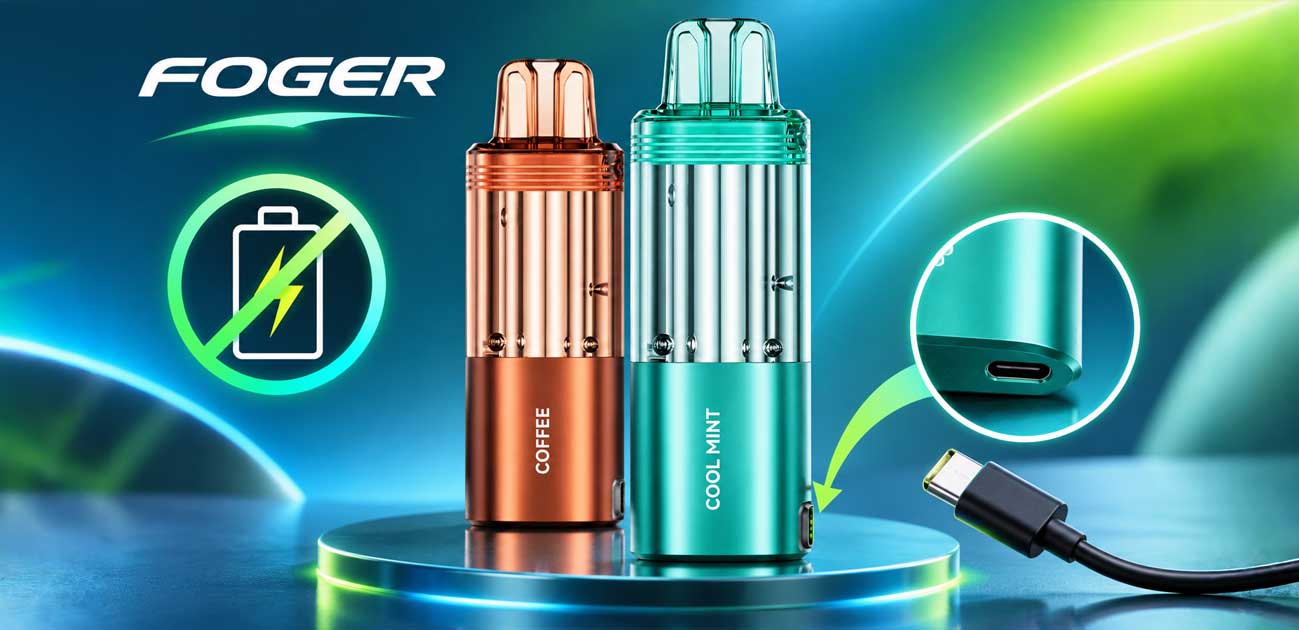
Lost the battery, or it stopped working? Here is the honest answer on how to charge a Foger vape without the battery.
On the Foger Switch Pro, you can't. The pod has no charging port, so it only recharges on its battery.
Below, we cover why, which hacks to skip, and the fastest ways to get vaping again.
The Short Answer
- Switch Pro 30K pod: no charging port. It recharges only on a Foger Switch Pro battery.
- Short use only: each pod has a small 200mAh backup cell, so it can fire briefly off the base.
- Foger Bit 35K: there is no separate battery. Plug the device straight into USB-C.
- Lost the battery? A replacement battery or a new kit is the only safe fix.
First, Which Foger Do You Have?
Can you charge a Foger vape without a separate battery? It depends on your device. Foger makes two very different formats, and only one has a separate battery.
| Device | Design | How it charges |
|---|---|---|
| Foger Switch Pro 30K | Battery plus swappable pod | USB-C on the battery, which then charges the pod |
| Foger Bit 35K | Sealed all-in-one | USB-C port on the device itself |
If you own a Bit 35K, there is nothing to lose. The battery is built in, so you just plug in a USB-C cable. The rest of this guide is about the Switch Pro.
How Foger Switch Pro Charging Works
The Switch Pro uses a dual-battery design. The battery that comes in the kit is the main power source, rated at 850mAh.
Each pod also carries a small 200mAh backup cell. Together they add up to the 1,050mAh figure you see on some listings.
To charge a Foger vape, you plug the battery into USB-C. When a pod sits on the battery, the battery tops up the pod's cell too. A green lightning bolt on the screen shows when the pod is charging.
Can You Charge a Foger Pod Without the Battery?
No. The Switch Pro 30K pod has no USB-C port of its own. Its only electrical contacts are the magnetic pins that touch the battery.
The pod can still fire for a short while off the base. Once its 200mAh cell runs low, it stops until it goes back on a charged battery.
So there is no way to charge a Foger vape pod on its own. Without the battery, it has a few sessions left at most. To keep using it, you need a Foger Switch Pro battery.
Hacks to Avoid
Search for ways to charge a Foger vape without the battery and you will find DIY fixes. We recommend skipping all of them.
- Wiring the pins: running wires or a cut cable to the pod contacts can short the cell.
- Other brands' batteries: they do not fit, and forcing a connection can damage the pod.
- Opening the pod: it is sealed for a reason, and the cell inside is lithium.
Lithium cells can overheat or swell when charged the wrong way. If a pod or battery gets hot, puffy, or smells odd, stop using it and recycle it as e-waste.
Lost or Dead Battery? Your Options
You have three safe paths, depending on what you still own.
- You have pods left: buy a standalone Foger Switch Pro battery, listed in our Foger collection. It fits every Switch Pro pod.
- You are starting over: the Foger Switch Pro 30K Kit includes a battery and a pod in one box.
- You want no batteries to manage: the Foger Bit 35K is all-in-one, so there is nothing to lose.
A spare battery is also handy for heavy users. Keep one charged and swap when the first runs low.
How to Charge a Foger Vape the Right Way
Once you have a battery, it is easy to charge a Foger vape.
- Seat the pod. Snap it onto the battery until the magnets click into place.
- Plug in USB-C. Use a standard USB-C cable and a wall adapter or computer port.
- Watch the screen. The battery level climbs, and the green bolt shows the pod is charging.
- Unplug when full. A full charge usually takes about 30 to 50 minutes.
Want more on the device itself? Read our Foger Switch Pro 30K review.
Foger Vape Not Charging? Quick Fixes
If you have the battery and it still won't charge, work through these checks first.
- Clean the contacts: wipe the magnetic pins on the pod and battery with a dry cotton swab.
- Reseat the pod: take it off and snap it back on firmly.
- Swap the cable: try another USB-C cable and power source.
- Check the port: lint in the USB-C port can block the connection.
If the screen flashes or nothing lights up, see why your vape is blinking. A battery that still won't charge likely needs replacing.
Frequently Asked Questions
How do you charge a Foger vape without the battery?
You can't on the Switch Pro. The pod has no charging port, so it only recharges on a Foger Switch Pro battery. The Foger Bit 35K has no separate battery and charges over its own USB-C port.
Can you hit a Foger pod without the battery?
Briefly. Each Switch Pro pod has a small 200mAh backup cell. It can fire for a short time off the base, then needs the battery to recharge.
Does a Foger pod have a charging port?
No. The Switch Pro pod connects to the battery through magnetic pins only. The USB-C port is on the battery.
Can I use another brand's battery on a Foger pod?
No. Switch Pro pods only fit Foger Switch Pro batteries. Forcing another battery can damage the pod.
How long does it take to charge a Foger vape?
Usually about 30 to 50 minutes for a full charge over USB-C. On the Switch Pro, you charge the battery and it charges the pod.
What do I do if I lost my Foger battery?
Buy a replacement Foger Switch Pro battery to keep using your pods. Starting over? The Switch Pro 30K Kit includes a battery and a pod.
This article is for general informational purposes only. Nicotine is an addictive chemical. Intended for adults 21+ only.