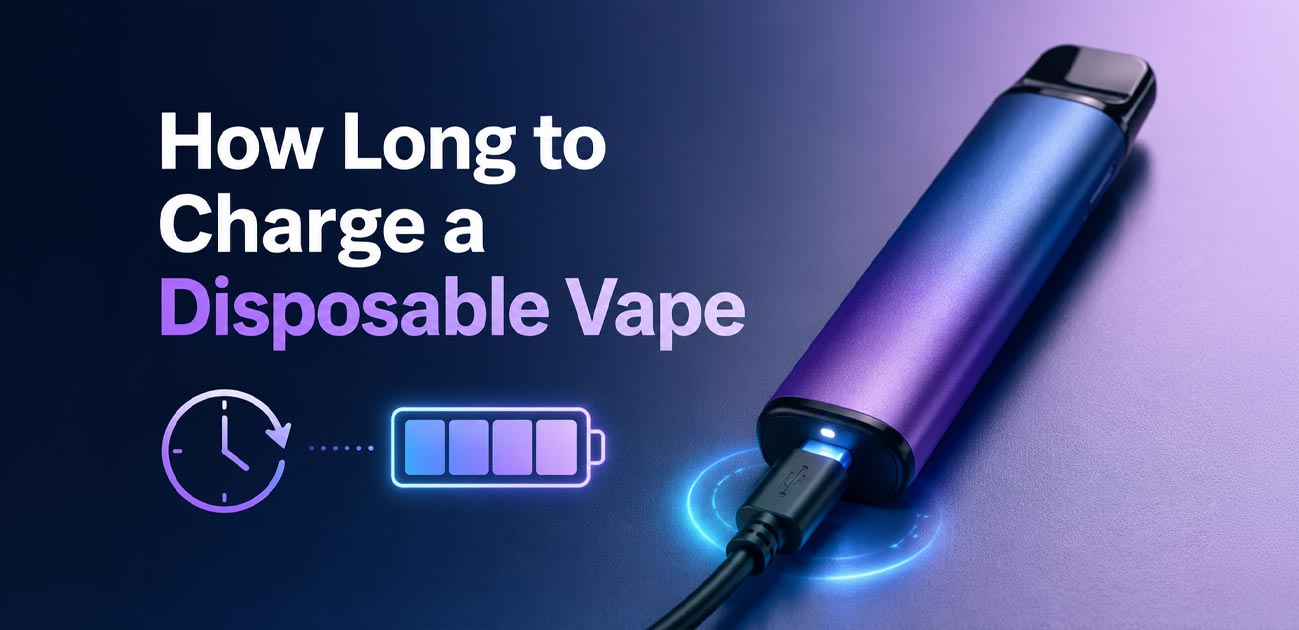
Most rechargeable disposable vapes take between 30 and 90 minutes to fully charge - but the exact time depends on the battery size, how drained it is, and what you plug it into. A small device tops up in half an hour; a big 50K-puff brick can take a few hours.
This guide gives you the real charging times by battery size, a simple formula to estimate any device, the safety rules that protect your battery (and your home), and what to do if your vape won't charge.
Most disposables charge in 30 to 90 minutes. Small 500-650mAh devices take about 30-60 minutes; mid-range 900-1200mAh devices take 1.5-2.5 hours; large 2000-3000mAh devices take 3-4 hours. Use a computer USB port or a standard 1A wall adapter, unplug as soon as it is full, and never charge overnight.
Charging times by battery size
The single biggest factor in charge time is the battery's capacity, measured in milliampere-hours (mAh). A higher mAh holds more energy - and takes longer to fill. Puff count is a rough guide to battery size, so here is what to expect across the common ranges.
| Battery capacity | Typical puff count | Full charge time |
|---|---|---|
| 500-650 mAh | 2,000-5,000 puffs | ~30-60 min |
| 900-1,200 mAh | 6,000-10,000 puffs | ~1.5-2.5 hrs |
| 1,200-1,500 mAh | 10,000-15,000 puffs | ~2-3 hrs |
| 2,000-3,000 mAh | 20,000-50,000 puffs | ~3-4 hrs |
These are full-charge estimates from a fully drained battery. If you plug in as soon as the low-battery light blinks - rather than waiting for total depletion - it charges faster. High-puff devices with screens and adjustable airflow, like the RAZ TN9000, usually land around 70-90 minutes.
The formula to estimate any device
If you know your device's battery capacity, you can estimate the charge time with simple math. The rule is based on the charging rate, measured in amps.
A 500mAh battery is half of 1,000mAh, so at a 1-amp rate it charges in about 30 minutes. A 360mAh battery takes about 22 minutes. The charging rate matters too: compared to 1 amp, a 0.5-amp source takes twice as long, and a 2-amp source half as long.
Why the real time runs a little longer: As the battery nears full, the charging rate drops to a slow trickle to protect the cell. So the last 10-20% always takes proportionally longer than the math suggests. You don't need to watch it closely - the device knows when it is done and signals you.
How to charge a disposable vape step by step
Charging is simple, but following a proper routine prevents the most common problems.
-
1Check and clean the port
Make sure there is no lint or debris inside the charging port. Clear it gently with a toothpick or compressed air if needed - debris blocks proper contact.
-
2Connect a good cable
Use a high-quality, undamaged USB-C cable. Most disposables don't include a cable to keep costs down, but you likely have a compatible one already.
-
3Use a low-output power source
Plug into a computer USB port or a standard 1A wall adapter - not a high-output fast charger. Lower, steady current is gentler and safer for small vape batteries.
-
4Watch the indicator
The LED should stay lit while charging, showing the circuit is complete. A screen device shows the battery filling.
-
5Unplug as soon as it's full
When the light turns off, changes color, or goes solid, remove it from the charger immediately. Don't leave it plugged in.
How to know when it's fully charged
Disposables signal a full charge in one of a few ways, depending on the model:
- The LED turns off completely - the most common signal.
- The light changes color - usually red to green or white.
- The light switches from pulsing to solid (or solid to off).
- The screen shows 100% or a full battery icon on devices with a display.
Whatever the signal, unplug it right away once you see it. Leaving it connected past full is where the trouble starts.
Charging safety rules
When you charge disposable vape batteries, you are handling compact lithium-ion cells. They are safe when handled correctly, but they deserve respect. Follow these rules every time.
- Never charge overnight. This is the big one. Leaving a device plugged in long after it is full causes "trickle charging," which generates heat. That heat degrades the battery and can even thin out the e-liquid inside. Most disposables charge in under an hour - there is no reason to leave one for eight.
- Use the right power source. Stick to a computer USB port or a standard 1A wall adapter. Avoid high-output "fast chargers" for phones - they can push more current than a small disposable battery is designed to handle and cause overheating.
- Charge on a hard, non-flammable surface. A desk or kitchen counter, never a bed, sofa, or pile of clothes. Soft surfaces trap heat around the device and create a fire hazard.
- Stay at room temperature. Heat is the enemy of battery safety - never charge in a hot car or direct sunlight. Cold also stops a battery holding charge properly.
- Never charge a damaged device. If it has been dropped or crushed and shows cracks, a hissing sound, or a strange smell, do not plug it in. Dispose of it safely.
- Don't try to charge a non-rechargeable device. If it has no USB port, it is not designed to be charged - never try to open it.
- Stay present. Charge when you are home and awake, not when you are out or asleep. It should feel warm at most, never hot to the touch.
What to do if it won't charge
If the LED doesn't light up when you connect the cable, the device isn't charging. Before assuming it is broken, work through these checks:
- Try vaping it first. It may already be fully charged - some devices don't light up when full.
- Swap the cable. A worn-out cable is the single most common cause. Try a different USB cable before anything else.
- Clean the port. Lint or debris in the charging port blocks contact. Clear it gently with a toothpick.
- Try a different power source. Switch from the wall adapter to a computer port, or vice versa.
If none of these work, the device may simply be at the end of its life. For more help with a device that powers on but won't produce vapor, see our guide on how to fix a disposable vape.
Charging won't fix a burnt taste. If your device still has battery but the vapor tastes burnt or charred, the problem is empty e-liquid, not the charge. Charging a dry device won't help - the wick is scorched. Learn the signs in our guide on how to know when your vape is empty.
How many times can you recharge it?
You can typically charge disposable vape batteries between 3 and 7 times before the e-liquid runs out. Here is the key insight: in modern devices, the battery is designed to outlast the juice. Since today's disposables hold 10mL to 20mL of e-liquid, a single charge can't vaporize it all - so you recharge several times over the device's life.
That is actually the whole point of a rechargeable disposable: it lets you use every drop of e-liquid instead of throwing away a device with juice still inside. Once the e-liquid is genuinely gone - signaled by a burnt taste that charging won't fix - the device has reached the end of its life. For more on getting the most from a device, see our guide on how long a disposable vape lasts.
FAQ
Most take 30 to 90 minutes. Smaller 500-650mAh devices charge in about 30-60 minutes, mid-range 900-1200mAh devices take 1.5-2.5 hours, and large 2000-3000mAh devices can take 3-4 hours. The exact time depends on battery capacity, the power source, and how depleted the battery is.
Leaving it plugged in long after it is full causes trickle charging, which generates heat. This can degrade the battery and even thin out the e-liquid. Disposables have simpler circuitry than box mods, so unplug as soon as it is full and never charge overnight.
First, try vaping it - it may already be charged. If not, try a different USB cable, since a worn cable is the most common cause. Then clean the charging port of lint or debris. If the LED still doesn't light after these steps, the device may be at the end of its life.
Most signal it three ways: the LED turns off, changes color (usually red to green or white), or switches from pulsing to solid. Devices with a screen show a full battery icon or 100%. Unplug the device as soon as it indicates a full charge.
A standard 1A phone adapter or computer USB port is fine. Avoid high-output "fast chargers," which can push more current than a small disposable battery is built for, causing overheating. When in doubt, a computer USB port outputs a lower, safer current.
WARNING: This product contains nicotine. Nicotine is an addictive chemical. For adults 21+ only. Never charge a damaged device or leave charging batteries unattended.